
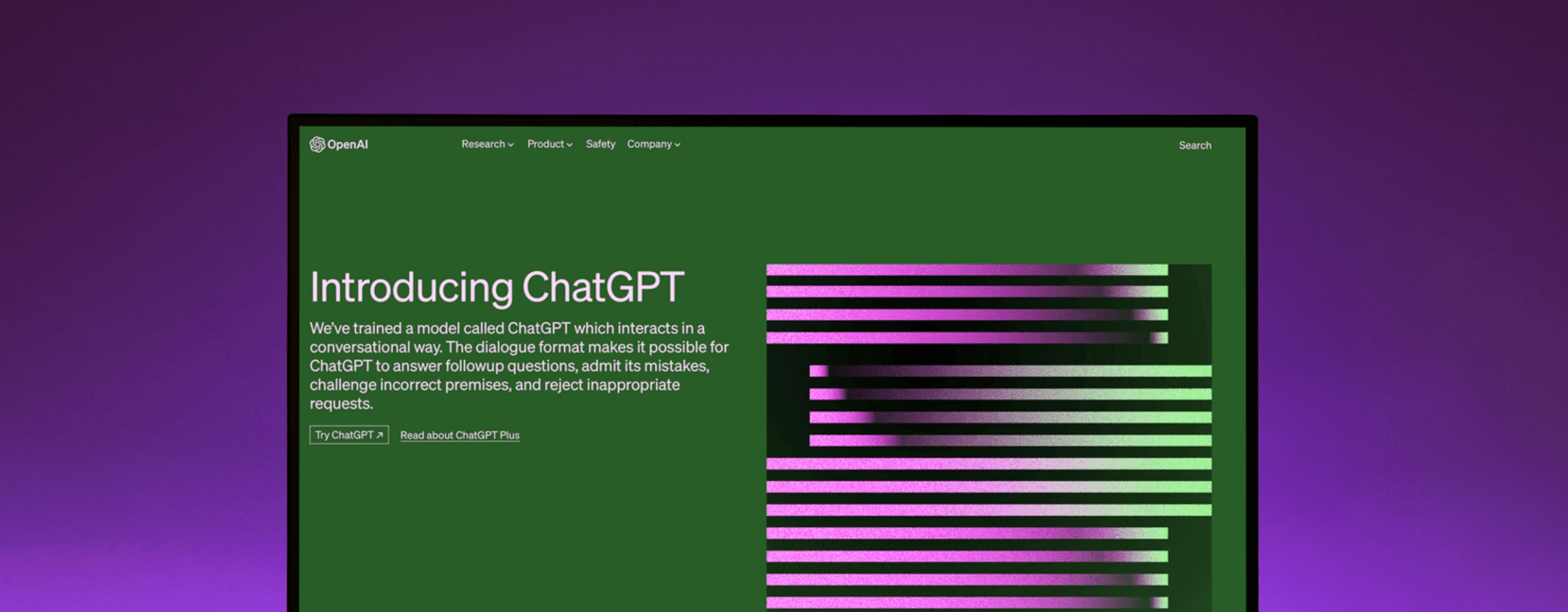
How to use ChatGPT Ethically in your Graphic Design Work
What is ChatGPT — and why does it matter to designers?
Updated March 2026.
By now you have probably tried ChatGPT, or at least watched someone use it. The question is not whether AI belongs in your design workflow — it does — but where it helps and where it gets in the way.
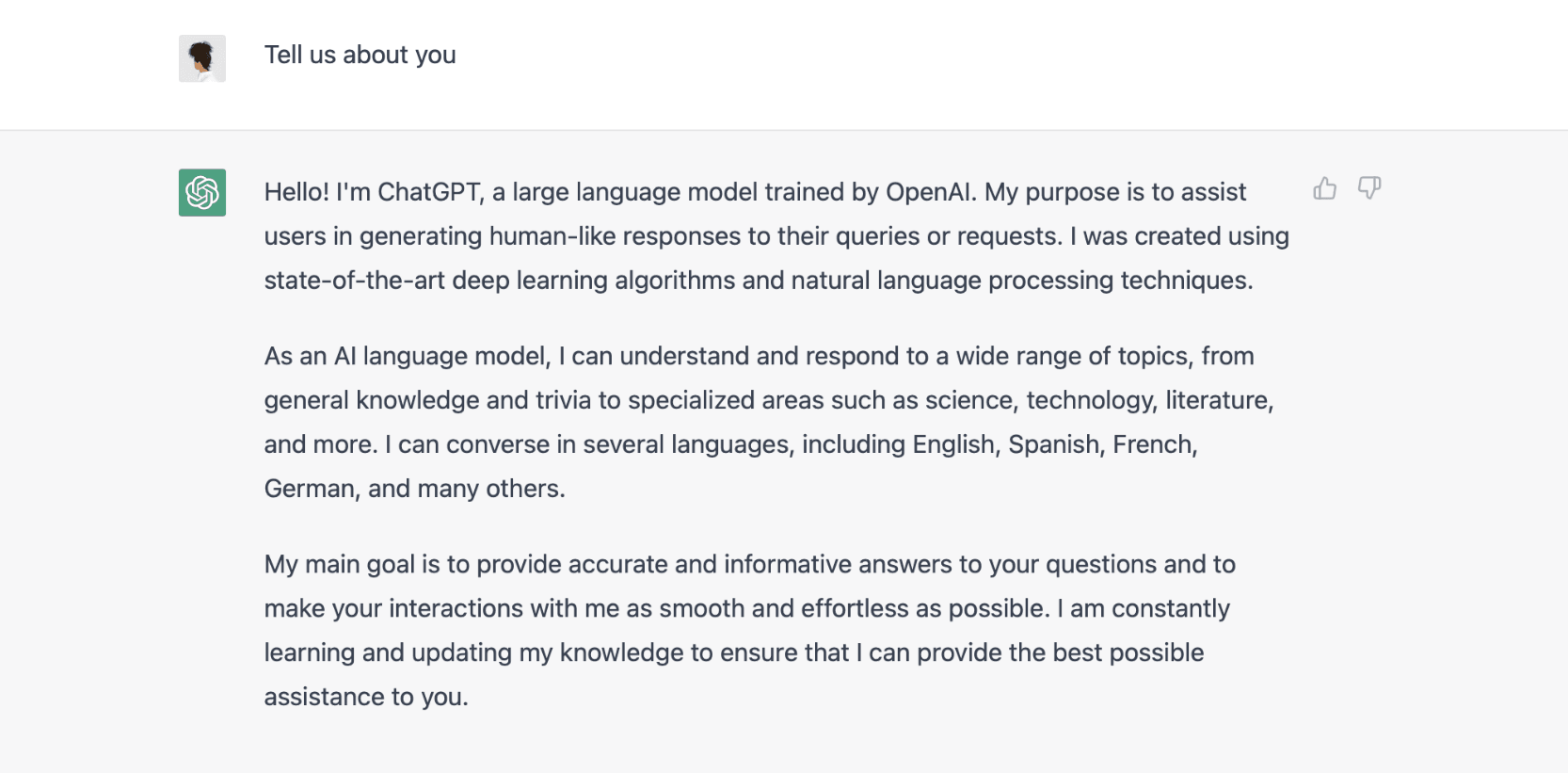
ChatGPT is a large language model built by OpenAI. It generates text based on patterns in its training data. It can brainstorm, draft copy, and suggest directions. It cannot design. That distinction matters.
Since the original version of this post, the field has expanded significantly. GPT-4o from OpenAI, Claude from Anthropic, and Gemini from Google are all capable language models with different strengths. The ethical principles that apply to one apply to all. We are not going to review them against each other here — what we want to focus on is how you use any of them well, and what that means for your practice as a designer.

The Ferrari analogy
There is a useful analogy here. Putting a novice driver in a Ferrari does not produce a better driver — it produces a more dangerous one. The car’s capability means nothing without the skill to use it.
The same is true of AI tools. A designer with strong foundations in typography, layout, colour, and concept development will use ChatGPT to accelerate work they already understand. A designer without those foundations will use it to generate output they cannot evaluate or improve. The tool amplifies what you bring to it.
This is why TGDS courses focus on design thinking first, software and tools second. AI does not change that priority — it reinforces it.
Rule one: never use it to plagiarise
This needs to be said plainly. ChatGPT should never be used to copy, reproduce, or pass off someone else’s work as your own. As designers, we understand originality and the value of authentic creative work. The fact that an AI can generate text quickly does not change the ethics of what you do with that text.
If you are using AI-generated copy in client work, be transparent about it. Many clients are comfortable with AI-assisted drafts; most are not comfortable discovering that content was AI-generated without disclosure. Set the expectation early.
Practical use 1: Brief writing
One of the most useful applications in a design workflow is brief writing. A well-structured brief is the foundation of a good project — it clarifies scope, defines the audience, sets the tone, and gives you something to refer back to when a client changes their mind.
The problem is that brief writing is also time-consuming, especially when you are juggling multiple projects. ChatGPT is genuinely good at this. Give it your project information — product, audience, key messages, deliverables, constraints — and ask it to structure a brief. You will almost always need to edit the result, but starting from a coherent draft is faster than starting from a blank page.
We walked through a live example of this in our AI and Graphic Design: Client Work video series. The prompt matters: be specific about what you are designing, for whom, and with what constraints.
Practical use 2: Copy ideation
Designers who work on identity and brand projects often need to produce naming options, taglines, and concept descriptions. This is one of the places where language models can genuinely help.
Ask ChatGPT to generate ten tagline options for a brief. Most of them will be mediocre — generic constructions that hit the obvious notes. But one or two will spark something, or point you toward a direction you had not considered. The value is not in the output itself; it is in having a broader set of raw material to react to.
The same applies to naming exercises. AI models can generate word combinations, cognates, and associations faster than a thesaurus. You filter and refine. The creative judgement stays yours.
Practical use 3: Colour naming and descriptions
This one is more specific, but genuinely useful for anyone writing brand guidelines or preparing client presentations. Naming colours is harder than it sounds — “a warm, slightly dusty terracotta” is more useful than “orange”, but writing dozens of those descriptions takes time.
ChatGPT handles this well. Describe a hex value or RGB breakdown, give it the brand context, and ask for naming options. The best ones will feel specific and considered rather than generic. Use them as starting points, not final copy.
Practical use 4: Research and concept development
Early-stage research — sector context, audience language, cultural associations — is another strong use case. If you are designing for a client in an industry you know less well, a conversation with ChatGPT can give you a working vocabulary and a sense of the landscape before you do deeper research.
Use it as a starting point, not a source. Language models can be confidently wrong. Any factual claims, statistics, or references you plan to use in client-facing work should be verified independently.
For concept development, try describing your design direction in plain language and asking the model to challenge it, suggest alternatives, or identify what might be missing. Having something respond to your ideas — even an AI — can help you think more clearly.
What AI cannot do
It is worth being explicit about the limits, because the marketing around these tools tends to obscure them.
ChatGPT cannot make design decisions. It can suggest a colour palette by name, but it cannot evaluate whether that palette works with your grid, your imagery, or your client’s existing brand. It cannot look at a layout and tell you why the hierarchy is wrong. It cannot understand the relationship between negative space and tension. These are design judgements that require trained eyes and design thinking.
It also cannot take creative responsibility. When you use AI-generated content in your work — text, concepts, directions — the accountability for that work is still yours. If a brief you generated with AI assistance is missing a key consideration, that is your oversight, not the tool’s.
Using AI tools without losing your voice
The risk with any productivity tool is that it flattens your work toward the average. AI language models are trained on vast amounts of text, which means they tend toward the median. Left unchecked, the copy and concepts they generate can make your work sound like everyone else’s.
The designers who use these tools well treat the output as raw material, not finished work. They know what they are looking for well enough to recognise it when they see it — and to keep pushing when they do not.
That is a design skill. It comes from understanding your craft, knowing your clients, and having a point of view. No model can give you that.
Where to go next
If you want to explore AI image generation alongside the language models, read our posts on getting started with DALL-E and using DALL-E ethically in your design work.
For the foundations that make AI tools worth using, our Certificate IV in Graphic Design covers design thinking, typography, layout, and professional practice — the skills you bring to every tool you ever use.
Want to learn more?
Download our free course guide to compare courses, see what you'll learn, and find the right fit for your goals.
Get our free course guide